
iPad for Med School: The 5 Note-Taking Apps You Need to Install
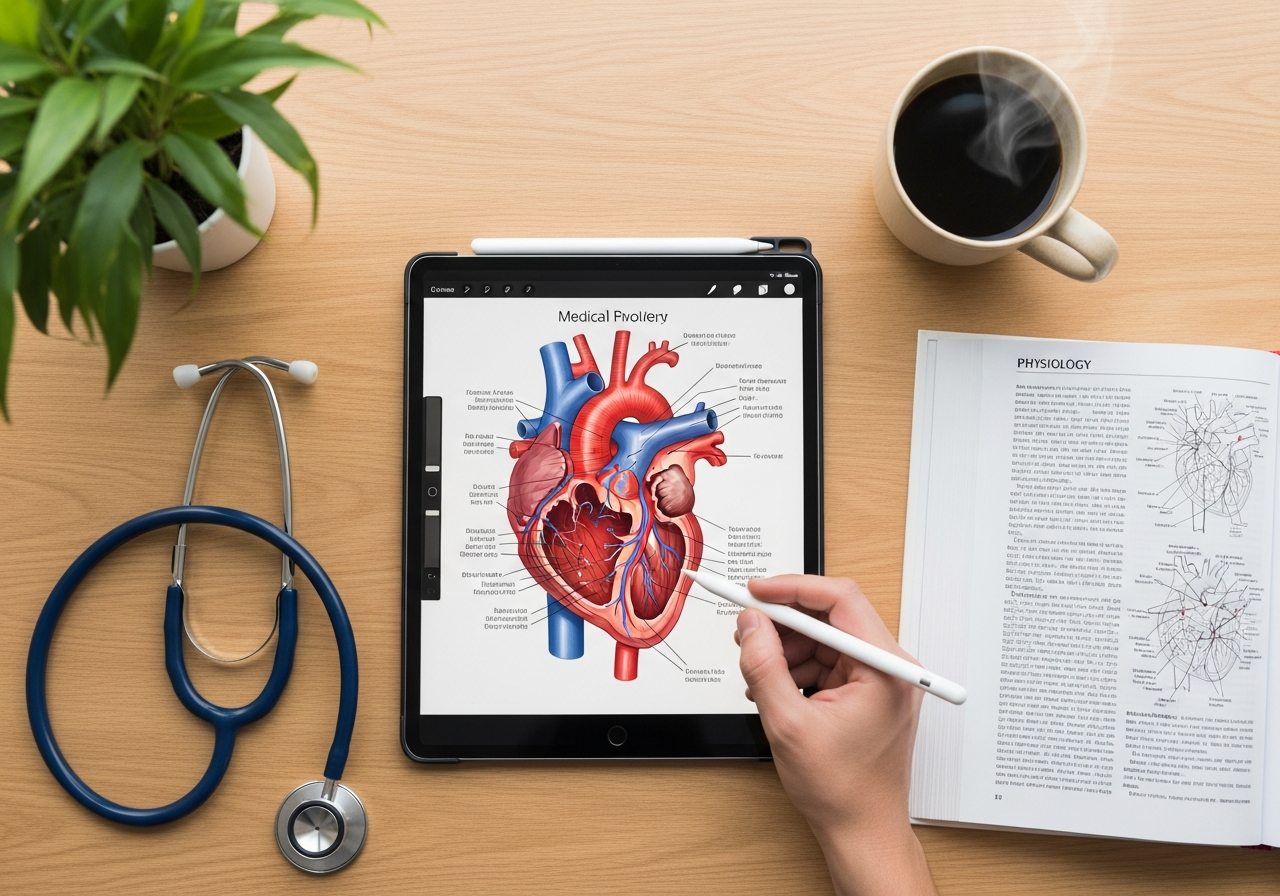
If you're studying medicine, your iPad has probably become your best friend. Gone are the days of lugging around notes that weigh a ton and thousand-page anatomy textbooks. Now you have everything on one light and powerful device.
But having an iPad is just the first step. The real magic happens when you install the right apps. And this is where it gets tricky: the App Store is full of options, and it's easy to get lost.
Don't worry, that's what we're here for. We've researched, tested, and compared to bring you the 5 best note-taking apps so you can get the most out of your iPad in med school. Let's get straight to it.
The Great Battle: GoodNotes vs. Notability
Let's start with the two titans, the apps that always come up in any conversation about digital notes. If you have to choose one, it'll probably be one of these two.
1. GoodNotes: The King of Organization
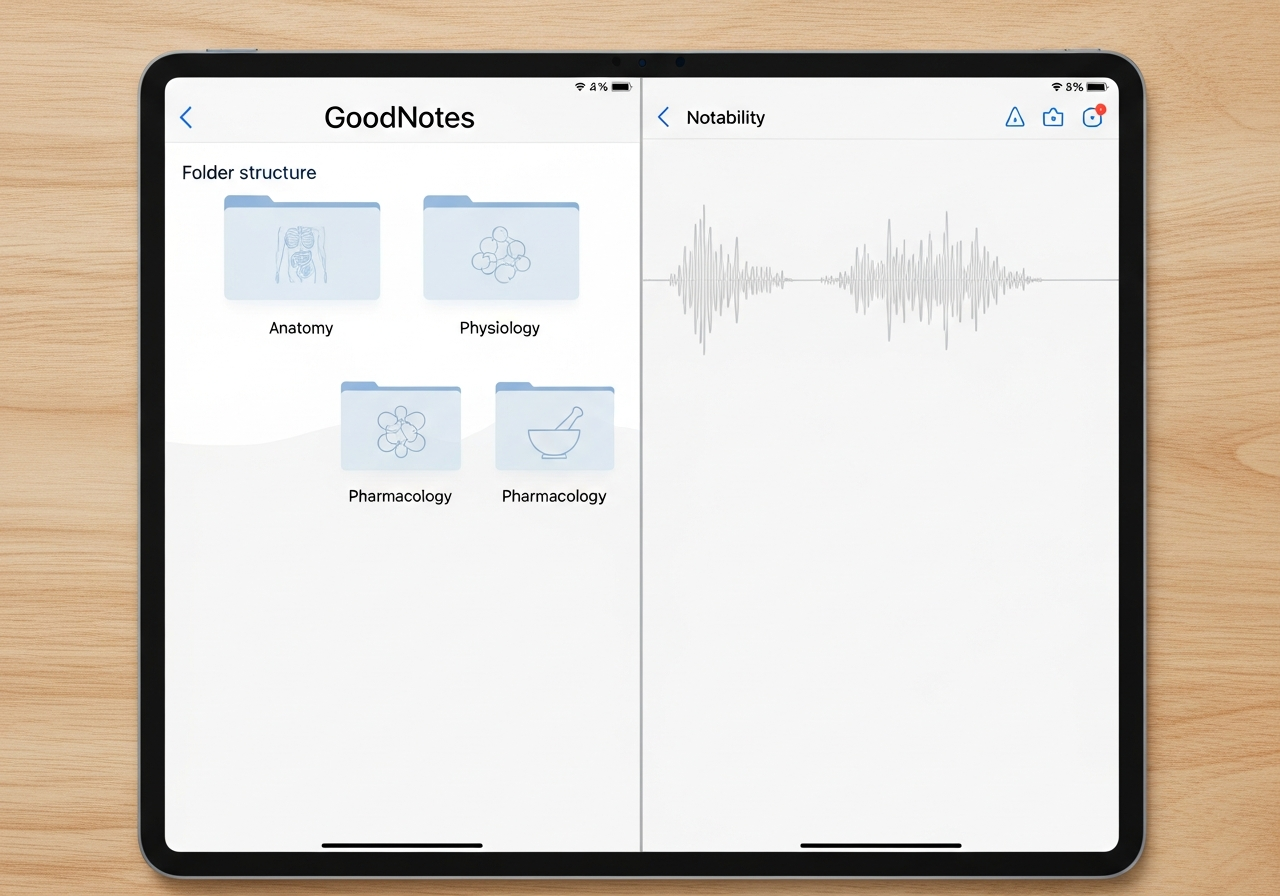
Think of GoodNotes as your perfect digital file cabinet. Its biggest strength is organization through folders and subfolders, very similar to how you organize files on a computer. For a degree with as many subjects as Medicine, this is pure gold.
Why might you be interested?
- Handling giant PDFs: You can import those 200-slide Pathophysiology presentations and annotate them without the app breaking a sweat. It's incredibly stable.
- Customization: It lets you create custom templates, covers for your notebooks, and organize your notes with total flexibility.
- Writing feel: Many users (and latency tests confirm it) feel that the writing experience with the Apple Pencil is slightly superior, more like real paper.
The price change: Here's the important part. GoodNotes 6 switched to an annual subscription model. There is still a one-time payment option, but it only gives you access to the current version without receiving future major updates. It's a change that has sparked debate, but the app remains one of the best.
2. Notability: The Master of Synced Audio
Notability has a feature that can be a game-changer in class: audio recording synced with your notes.
What does this mean? Imagine you're in Pharmacology class and the professor is explaining a complex mechanism of action. You take your notes and, at the same time, record the audio. Later, when you're reviewing, if you tap on a word you wrote, the app plays back exactly what the professor was saying at that moment. It's absolutely insane for not missing any details.
Why might you be interested?
- Audio recording: It's their star feature and, for many, the deciding reason to choose it. Ideal for dense lectures.
- Fluidity: The writing feel is very smooth, and its "continuous scroll" system lets you write without worrying about page breaks.
- Simplicity: Its interface is a bit more minimalist than GoodNotes', which some students prefer to focus solely on taking notes.
The price change: Notability also switched to a subscription model a while ago, which angered many long-time users. However, for new users, the price is similar to GoodNotes and it's still an investment that's totally worth it.
Having the perfect notes on your iPad is only half the battle. The other half is making sure you've actually absorbed all that information. And for that, there's nothing like testing yourself, especially when you're facing multiple-choice exams.
This is where Smartests.app comes in. Our tool uses artificial intelligence to turn your notes (yes, those anatomy PDFs you just annotated) into multiple-choice tests in seconds. You just upload the file and the AI creates the questions for you so you can practice.
Beyond the Giants: 3 Alternatives Worth Checking Out
Although GoodNotes and Notability get almost all the attention, there are other fantastic apps that might be a better fit for you.
3. Noteshelf: The Perfect Balance
Noteshelf is like the studious child of GoodNotes and Notability. It takes the best of both worlds: it has good organization by notebooks, an excellent writing feel, and it also lets you record audio (although the sync isn't as precise as in Notability).
Its strong suit is the customization of pencils, pens, and the number of available templates. If you like your notes to look nice and tidy, give it a try.
4. OneNote: The Free Microsoft Ecosystem
OneNote's main advantage is clear: it's completely free and cross-platform. If you have an iPad for university but a Windows laptop at home, this is your best option to keep everything synced without any issues.
It works with an "infinite canvas" system, which gives you total freedom to organize information, add images, tables, and typed text wherever you want. The only "but" is that the Apple Pencil latency, although it has improved a lot, doesn't reach the level of native apps like GoodNotes or Notability.
5. Apple Notes: The One You Already Have Installed
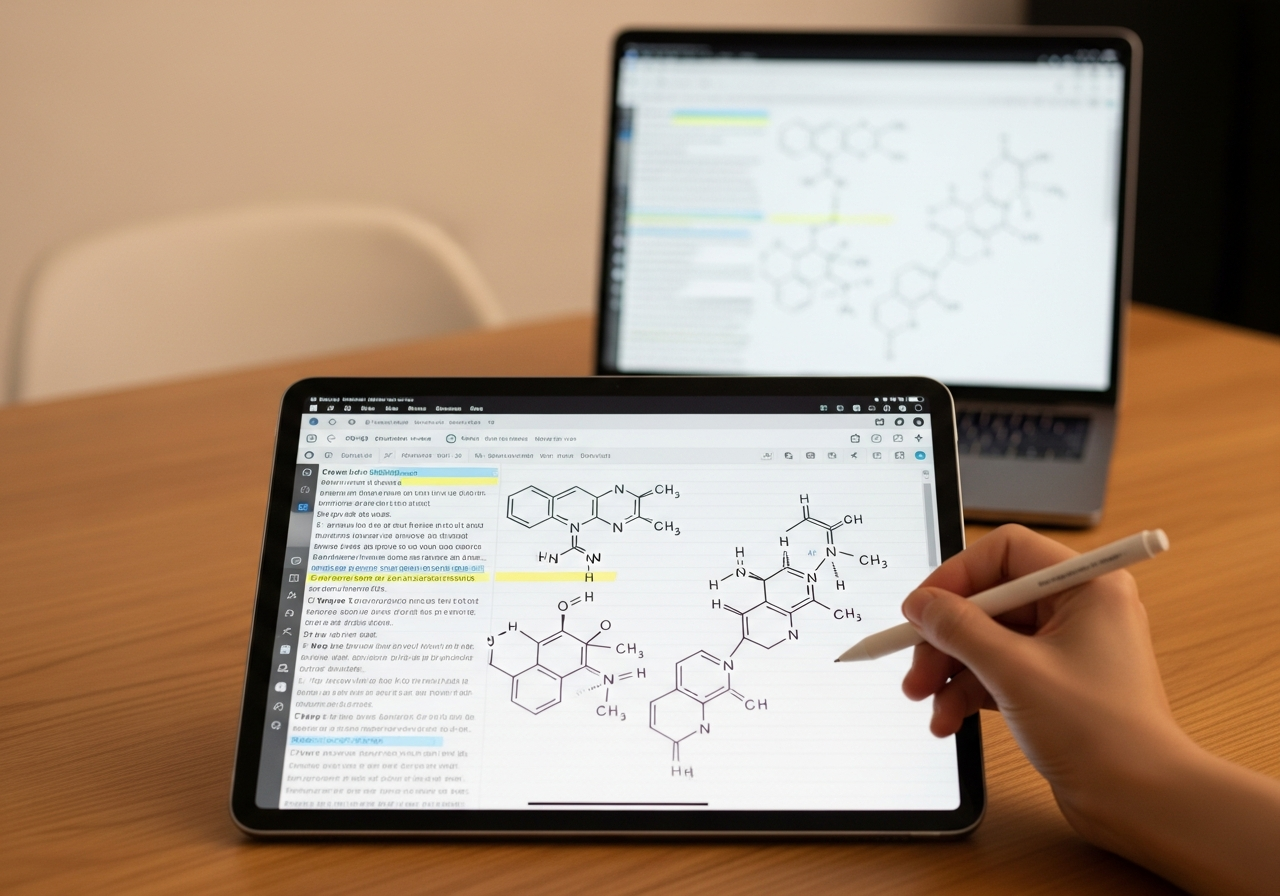
Never underestimate the power of simplicity. The Notes app that comes free with your iPad has evolved a ton.
It's super fast, integrates perfectly with the entire Apple ecosystem, and its "Quick Note" feature is great for jotting something down in a moment without having to open a full app. Its weak point? It falls short for handling and annotating large PDFs, a crucial task in Medicine. It's perfect as a support app, but maybe not as your main one.
Quick Summary: Which Note-Taking App Should I Choose?
To make it clear, here's a summary to help you decide:
- GoodNotes: If you're a fan of order and want a perfect digital file cabinet to manage hundreds of documents.
- Notability: If your priority is not missing a single word in class thanks to its incredible synced audio recording.
- Noteshelf: If you're looking for a middle ground between organization and creative features, with lots of customization.
- OneNote: If you use Windows and other devices and need a powerful, free, and cross-platform option.
- Apple Notes: For quick notes, random ideas, and if you're looking for maximum simplicity without the fuss.
Turn Your Notes into a Passing Machine
Choosing the right note-taking app is key to getting off to a good start. But remember that taking notes is just the beginning. The next step is active studying, and that's where self-assessment makes all the difference.
Smartests.app helps you close the loop. Upload your anatomy, physio, or pharma notes, and our AI instantly generates tests for you to practice, identify your weak spots, and walk into the exam with total confidence.