
Notion Templates for Medicine: Your "Second Brain" to Survive Med School
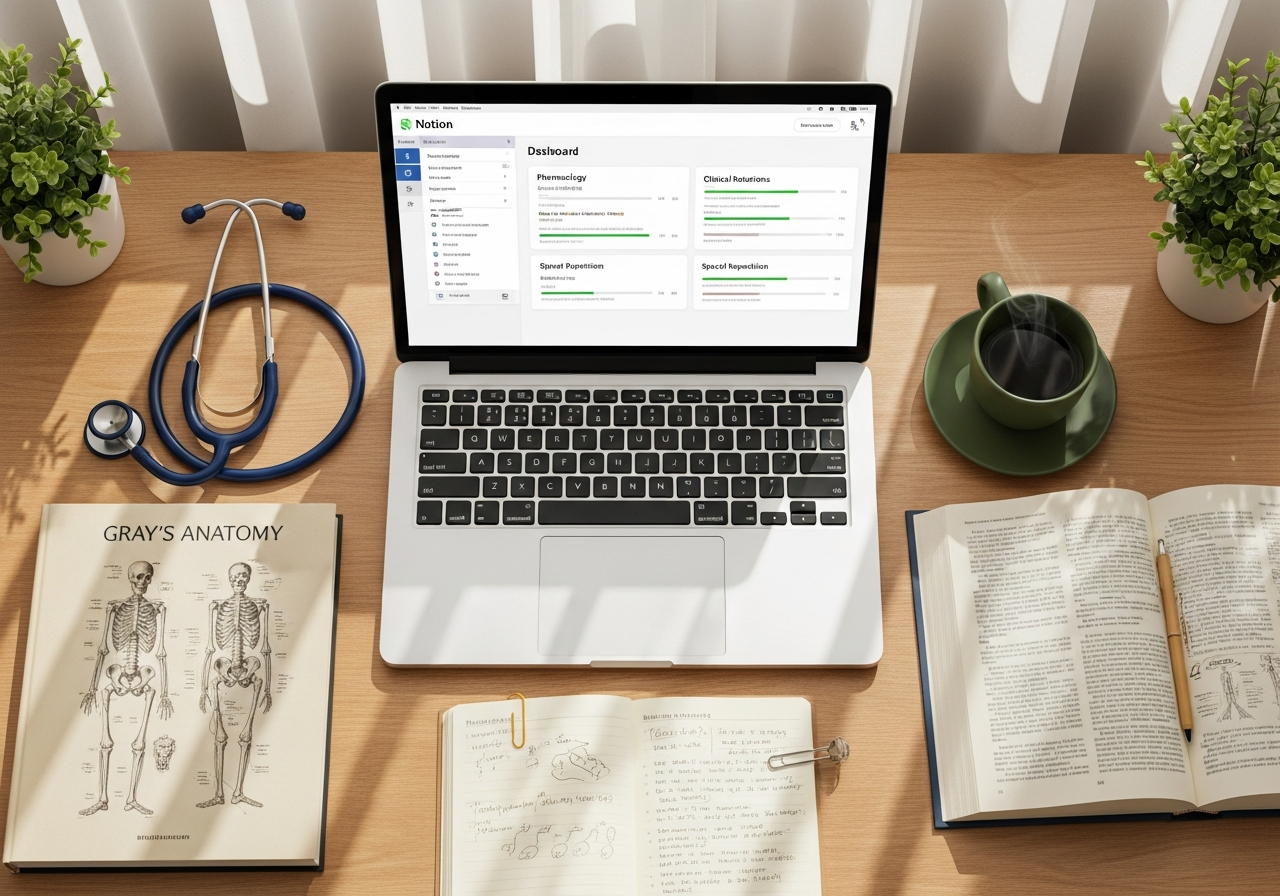
Studying medicine is like trying to drink from a fire hydrant. The amount of information is overwhelming: anatomy, physiology, pharmacology, pathologies... and just when you think you've got it, clinical rotations begin. Keeping all of that organized in your head is, simply put, impossible.
This is where the concept of a "Second Brain" comes in: an external digital system where you dump, connect, and manage everything you learn. And for many students, the star tool for building it is Notion.
But we're not going to talk about Notion in general. We're going to look at which specific templates can change your life and how to choose one that truly fits you, so you don't spend more time organizing than studying.
What should a Notion template for medicine that actually works have?
A good template is much more than a to-do list or a pretty calendar. For it to be a true command center for a medical student, it should include three key elements that make all the difference.
-
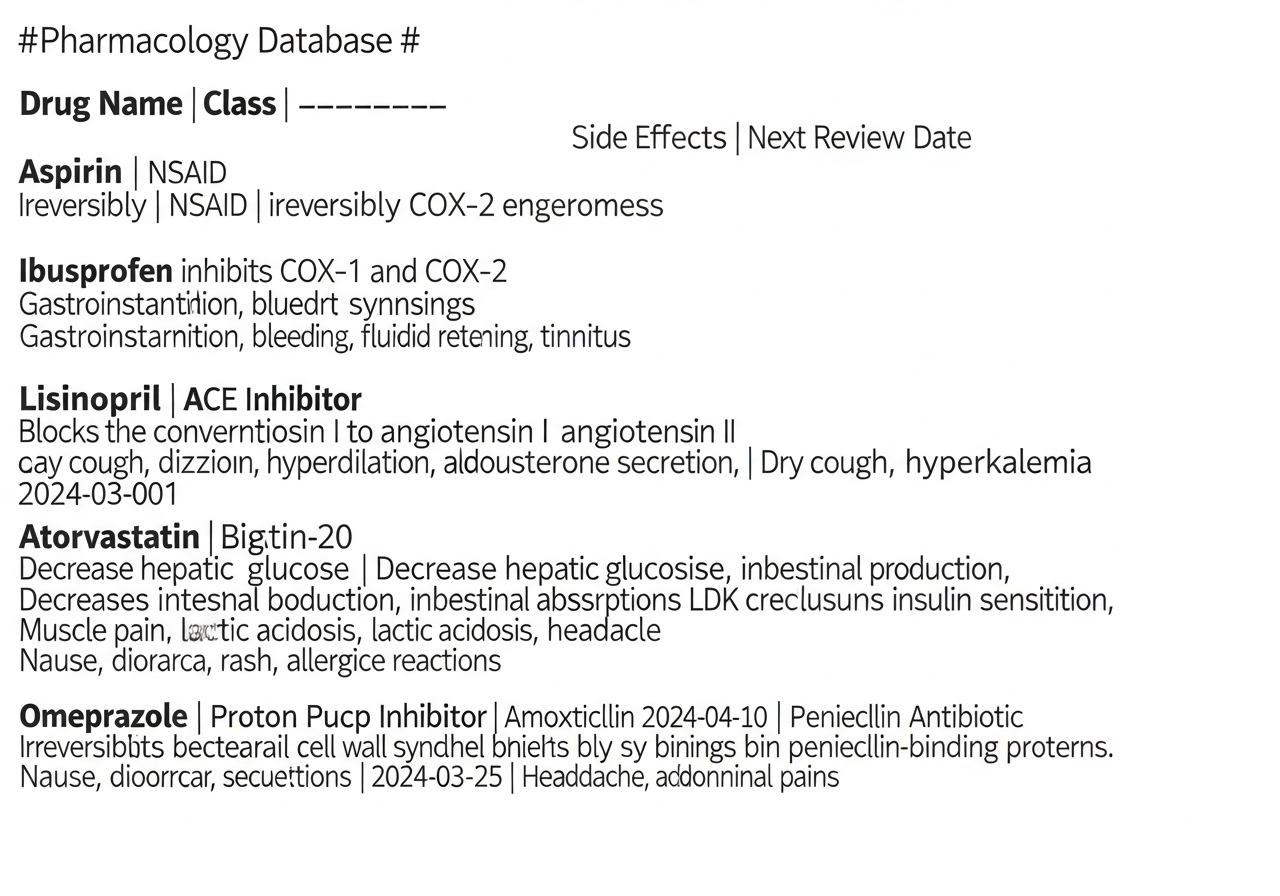
Drug and Pathology Databases: Forget simple lists. You need relational databases. Imagine having a card for "Type 2 Diabetes Mellitus" that automatically connects to the drugs that treat it (Metformin, Insulin...), related pharmacology classes, and the clinical cases you've seen on your rotations. Everything connected.
-
Clinical Rotations Tracker: Every rotation is its own world: Surgery, Pediatrics, Gynecology... A good tracker lets you log the cases you see (always anonymously, of course), the procedures you participate in, feedback from your supervisors, and any questions that come up. It's a field journal that will be worth its weight in gold for reviewing.
-
Integrated Spaced Repetition System: This is the crown jewel. Some advanced templates use formulas in Notion to mimic the Anki system. You add a concept or a question, self-assess, and the template automatically calculates when you need to review it again. It's the most efficient way to memorize long-term, as evidence shows.
Ready-to-Use Templates vs. Building Your Own System
Here comes the big question: do I download a pre-made template, or do I arm myself with patience and build my own from scratch? Both options have their pros and cons.
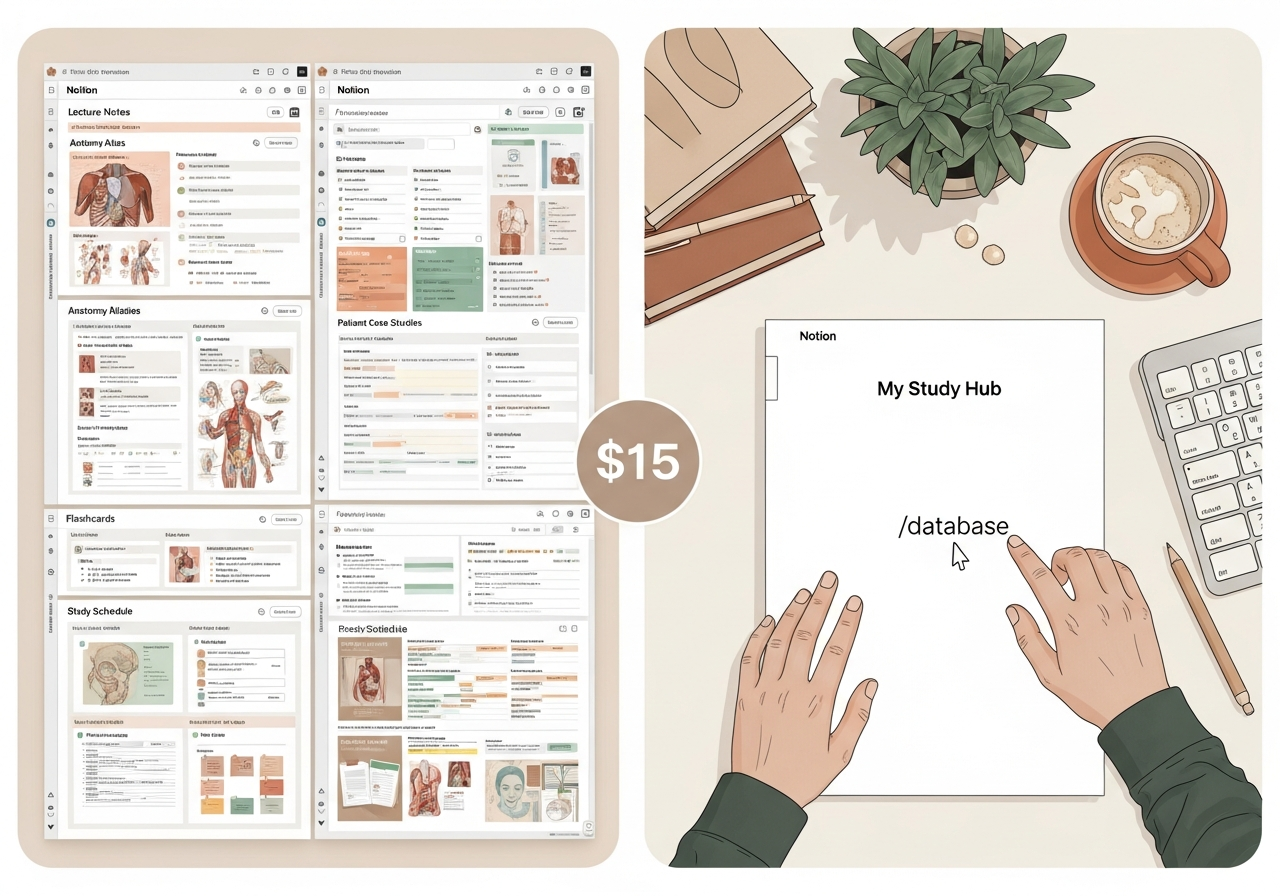
Option A: Download a template (Free or paid)
- The good: It saves you a brutal amount of time. They're designed by students or doctors who have already been through the same thing and know what works. The most powerful ones (usually paid on platforms like Gumroad) already come with complex systems, like spaced repetition, ready to use.
- The bad: Sometimes they're not very flexible. You might have to adapt your way of studying to the template, and not the other way around.
Option B: Build your template from scratch
- The good: It's 100% yours. Every button, every database, is designed by you, for you. You understand perfectly how it works and can modify it on the fly. And, of course, it's free.
- The bad: The Notion learning curve is real. You run the risk of falling into "productive procrastination": spending hours and hours perfecting your system instead of using it to study.
The verdict? For most people, a hybrid approach is ideal. Start with a free or paid template you like and use it as a base. Little by little, start modifying it, removing what you don't use and adding what you need.
While you're setting up your "second brain" in Notion, there's a key part of studying you can automate starting today: self-assessment. Instead of spending hours creating questions to test yourself, Smartests.app generates multiple-choice quizzes from your own notes in seconds.
It's the perfect complement: you organize your knowledge in Notion and put it to the test with Smartests. This way, you ensure not only that you have the information organized, but that you've truly absorbed it.
3 types of templates for Medicine you can find
To give you a more concrete idea, we've explored Notion galleries and platforms like Gumroad. Most successful templates can be grouped into three main categories.
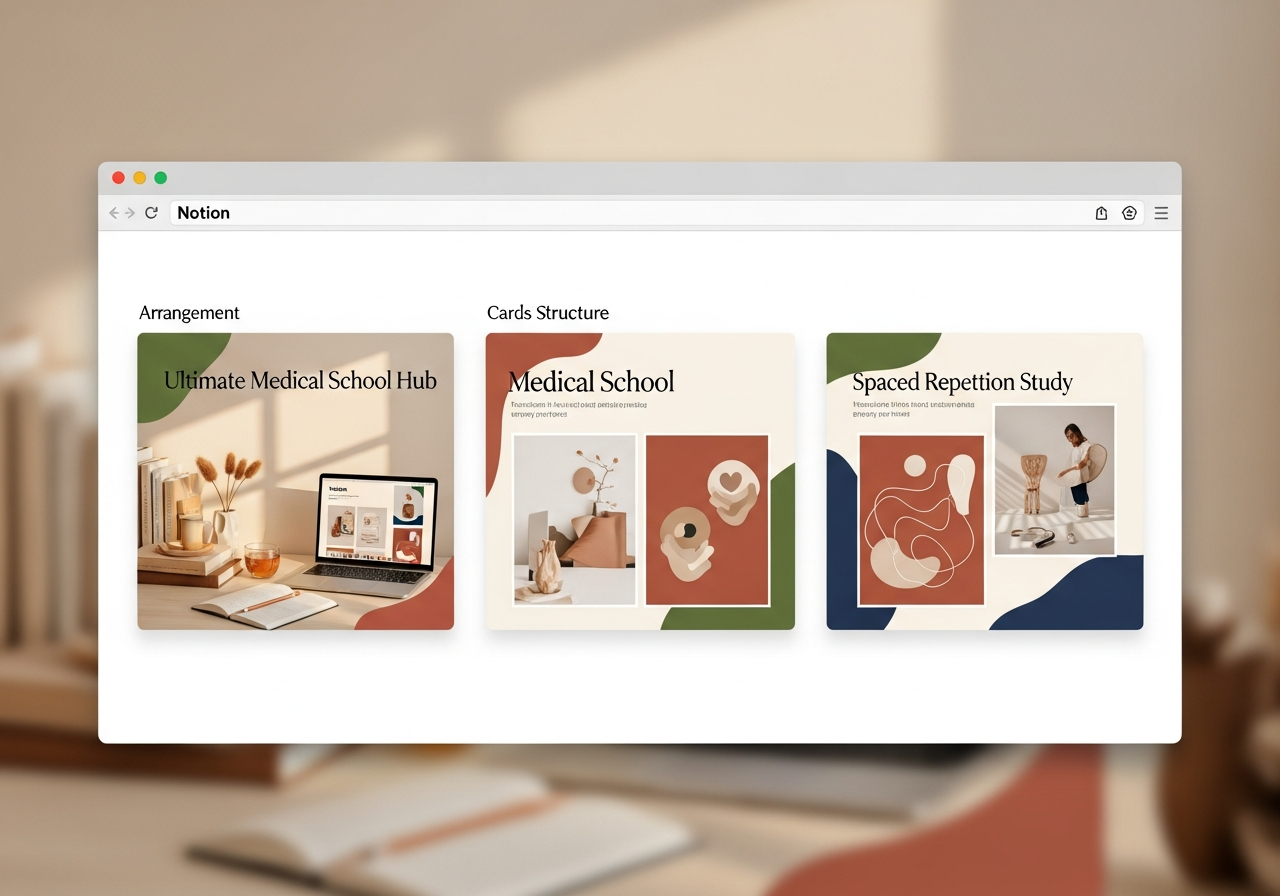
- The "All-in-One" (Medical School Hub): These are the most popular. They try to centralize absolutely everything: class notes, exam calendars, habit trackers, review planning, drug and pathology databases, and the rotations tracker. They're incredible if you commit to using them, but they can be overwhelming at first.
- The "Focused Minimalist" (Spaced Repetition System): These templates get straight to the point. Their core is the spaced repetition system. They barely have any extras. They're designed for those who just want a place to centralize their flashcards digital and make sure they review them when it's time. They are usually easier to maintain.
- The "Clinical Diary" (Clinical Rotations Journal): More specific to the clinical years. They focus on the rotations tracker, allowing you to log your practical experience in great detail: patients (anonymized), skills acquired, interesting cases, and a library of quick-reference clinical guidelines.
There's no one-size-fits-all best option. The question is: what's your biggest problem right now? General organization, long-term memorization, or tracking your clinical practice? Your answer will tell you where to start looking.
Quick Summary
If you got lost among all the databases and rotations, here's the gist:
- Your brain has a limit. Use Notion to build a "second brain" and offload the excess information.
- Not all templates are created equal. Look for ones that specifically include interconnected databases, a rotations tracker, and, if possible, a spaced repetition system.
- Build or download? Our advice: start with a pre-made template (free or paid) and customize it. It will save you time and frustration.
- The tool isn't magic. The important thing is that the system you choose helps you study more actively and efficiently, not that it's the prettiest one.
Ready to truly optimize your studying?
Organizing your notes in Notion is the first step. But real learning happens when you put your knowledge to the test. Smartests.app takes those same notes and turns them into multiple-choice quizzes in seconds so you can practice active recall and see if you've really mastered the material.