
Samsung Galaxy Tab S9 FE: The Best Value Android Tablet for College?
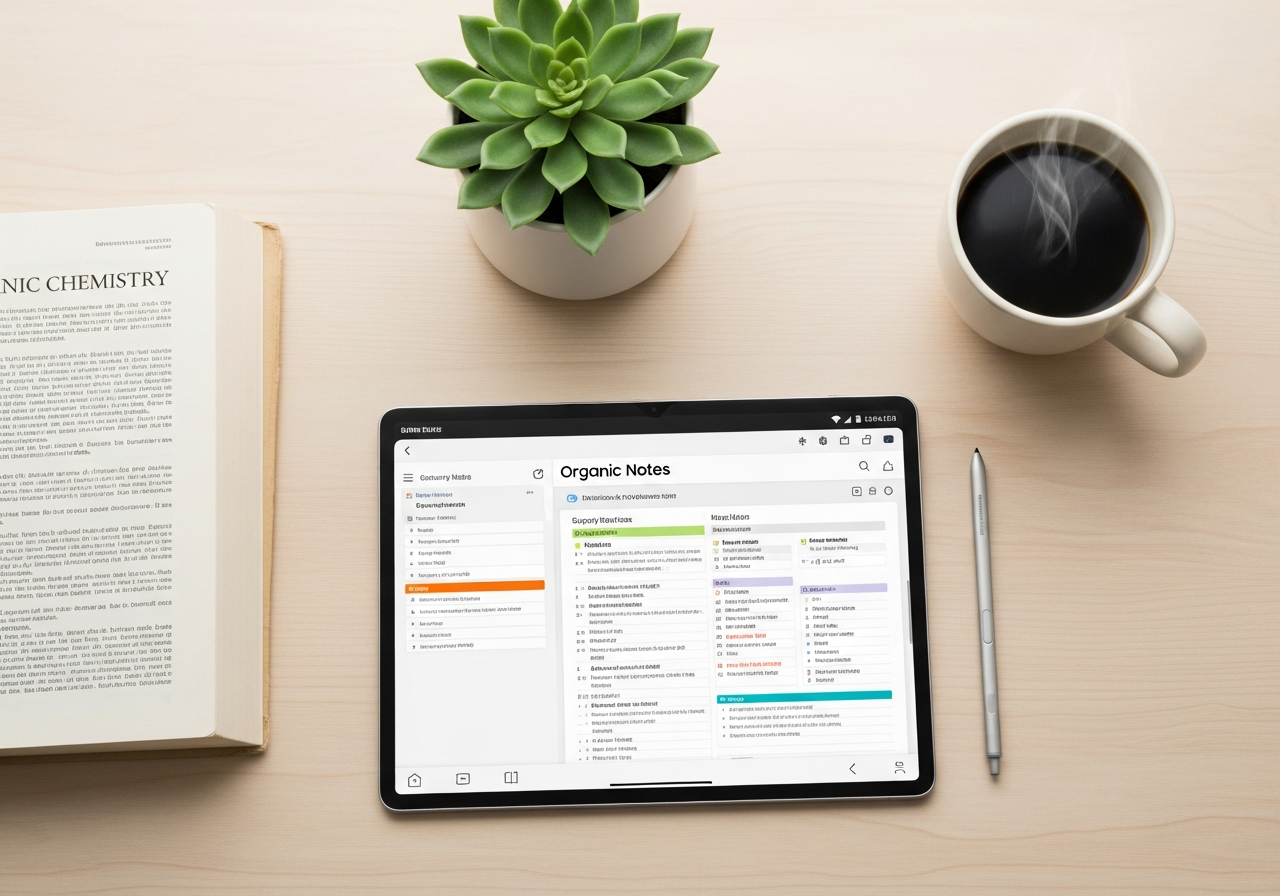
Heading back to college (or starting for the first time) always brings up the same question: what tech do I need to survive and, hopefully, get good grades? Laptops, tablets, 2-in-1s... the market is a mess. And your budget, let's be honest, isn't infinite.
In the midst of all that noise, Samsung launched the Galaxy Tab S9 FE. The "FE" stands for Fan Edition, and the idea is simple: take the best features of their more expensive tablets and put them into a more affordable package for people like you and me.
But is it as good as it sounds? Is it really the smart buy for a student? Let's break it down, straight up.
What Really Matters for a Student
When you're looking for a tablet for college, you don't need the power of a supercomputer. You need it to deliver in four key areas: taking notes, reading PDFs, having all-day battery life, and being versatile. Let's see how the Tab S9 FE performs in each one.
1. The Screen and the S Pen: Your New Digital Notebook
This is where the Tab S9 FE starts to shine. The screen is large, sharp, and has great colors. Perfect for not straining your eyes reading those 200-page PDFs they assign at the last minute, or for watching a show in your free time.
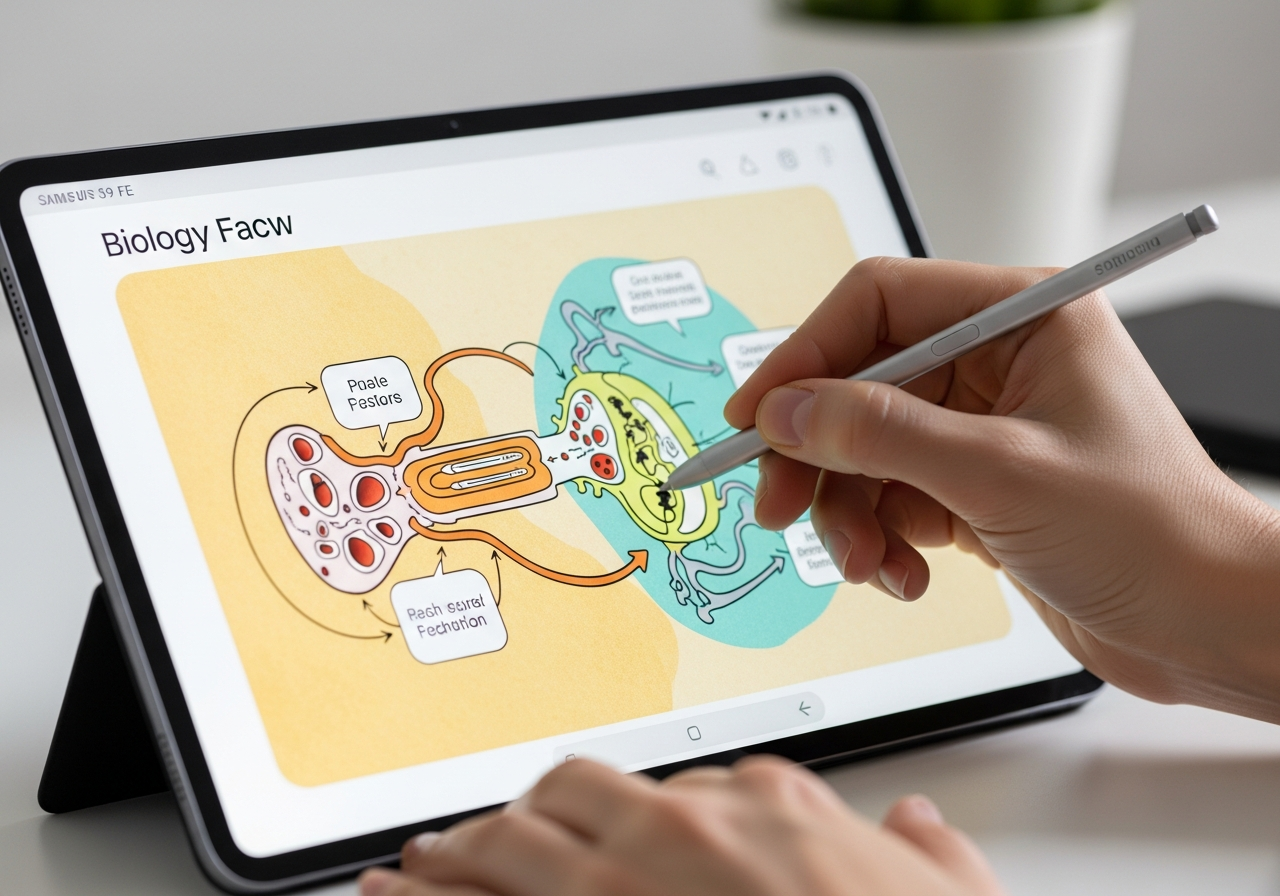
But the real star is the S Pen that comes included in the box. This is a huge plus. While with other brands you have to buy the stylus separately (and it's not cheap), Samsung gives it to you right out of the box.
Writing with the S Pen is a joy. The latency is very low, which means the digital ink appears instantly, almost like writing on paper. For taking notes in class, highlighting slides, or creating diagrams, it's simply perfect. Say goodbye to mountains of paper and lost notebooks.
2. Power and Battery: Can It Keep Up With You?
Let's be clear: the Tab S9 FE doesn't have the most powerful processor on the market. And that's a good thing. Why? Because you don't need it, and this saves on costs.
For a student's daily tasks—opening multiple browser tabs, using office apps, taking notes, watching videos—, its performance is more than enough. You won't notice any stuttering or lag. You can have your notes, bibliography, and Spotify open without any issues.
As for the battery, it's designed to last a full day of classes. You can leave home in the morning with the tablet at 100% and have peace of mind that it won't die on you in the middle of an important seminar.
3. The Secret Weapon: Samsung DeX
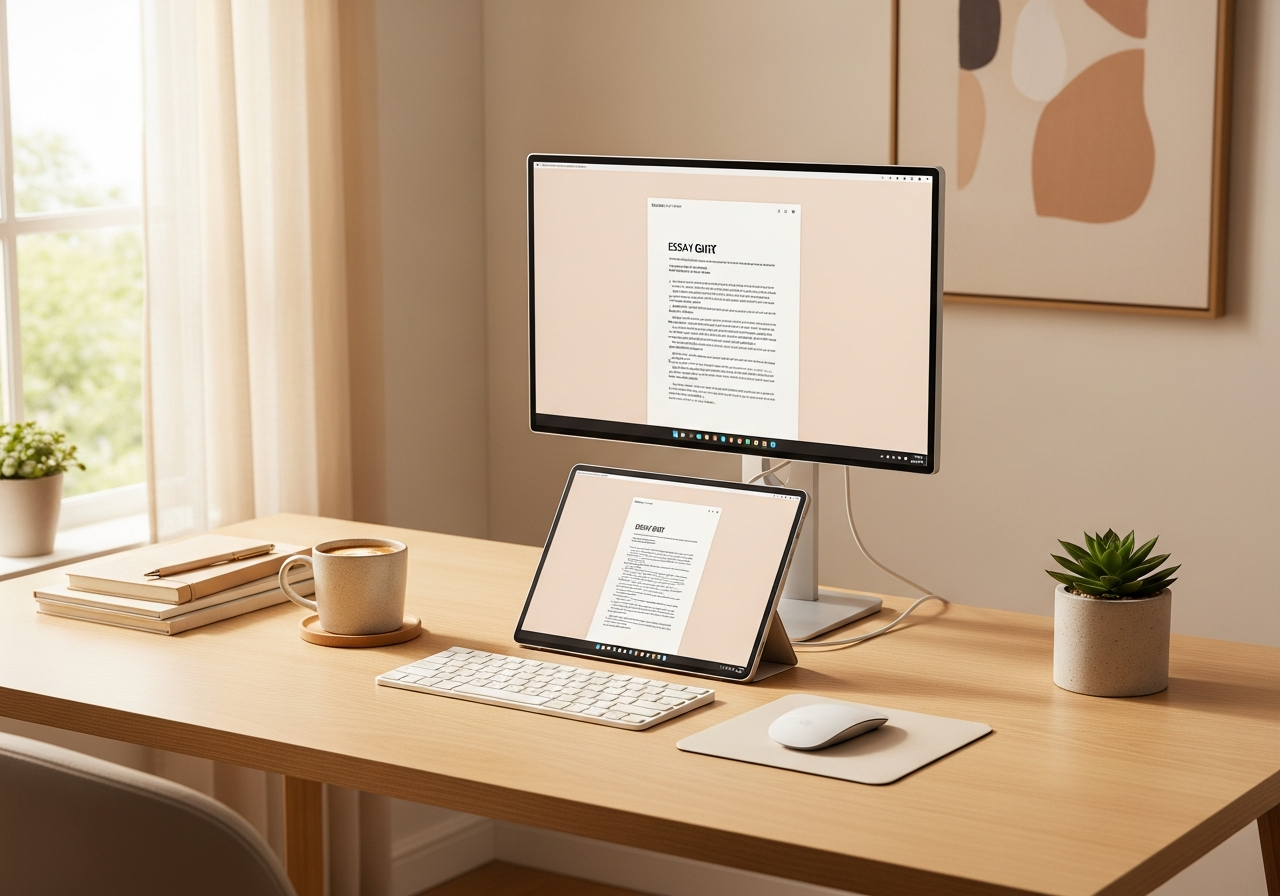
This is something many people overlook, and it can be a life-changer. Samsung DeX is a mode that transforms the tablet's interface into a desktop-like environment, similar to a computer.
What does this mean? It means that if you connect a keyboard and mouse via Bluetooth, you have a makeshift mini-laptop. It's incredibly useful for those times when you need to write a long paper or organize your files more comfortably. It gives you a versatility that few tablets in this price range offer.
Tener una herramienta tan potente como la Tab S9 FE es solo la mitad de la batalla. La otra mitad es cómo la usas para estudiar de forma más inteligente, no más dura. De nada sirve tener los mejores apuntes digitales si luego solo los relees una y otra vez.
Here is where Smartests.app comes in. Imagine taking all those notes you've written with your S Pen, uploading them to a platform, and automatically converting them into multiple-choice tests. This is how you go from passive to active studying, testing what you've really learned.
4. Who the Tab S9 FE IS For (and Who It's Not For)
Let's be honest, no device is perfect for everyone.
This tablet IS for you if:
- You prioritize taking notes by hand. The included S Pen is the best selling point.
- You're looking for a balance. You want a good screen, a reliable battery, and solid performance without paying the high-end price.
- You value versatility. The ability to use it as a mini-laptop with DeX seems like a very useful bonus.
- You want a study tool, not a gaming console.
It might NOT be the best option if:
- You need raw power. If you edit video, use very demanding design apps, or want to play the latest games on max settings, it will fall short.
- You're deep in the Apple ecosystem. If you have an iPhone, a Mac, and an Apple Watch, an iPad will probably integrate better into your daily life.
- Your budget is extremely tight. There are cheaper tablets out there, but you'll have to make many more sacrifices in terms of screen, performance, and especially the writing experience.
Quick Summary
If you've made it this far and are still on the fence, here are the key takeaways in a nutshell:
- ✅ Value for money: It offers 90% of the premium experience of its bigger siblings for much less money.
- ✅ S Pen included: The best digital stylus on the Android market, and it comes free in the box. A huge saving and a powerful tool.
- ✅ All-day battery: Zero stress about finding an outlet in the library.
- ✅ Versatility with DeX: It's a digital notebook and a mini-laptop in one device.
- ❌ Just-enough power: Perfect for university tasks, but not for professional users or very demanding gamers.
All in all, the Samsung Galaxy Tab S9 FE stands out as one of the smartest and most balanced options for any college student. It's an investment in a tool that will make it easier to take notes, organize your studies, and generally make your academic life a little easier.
Take Your Studies to the Next Level
Whether it's with the Tab S9 FE, a laptop, or your old paper notes, what's important is having the right tools to study better. Smartests.app transforms your notes into multiple-choice tests so you can test your knowledge, identify your weak spots, and truly memorize the material for your exams.