
WordPress.com vs. WordPress.org: The Ultimate Guide for Students
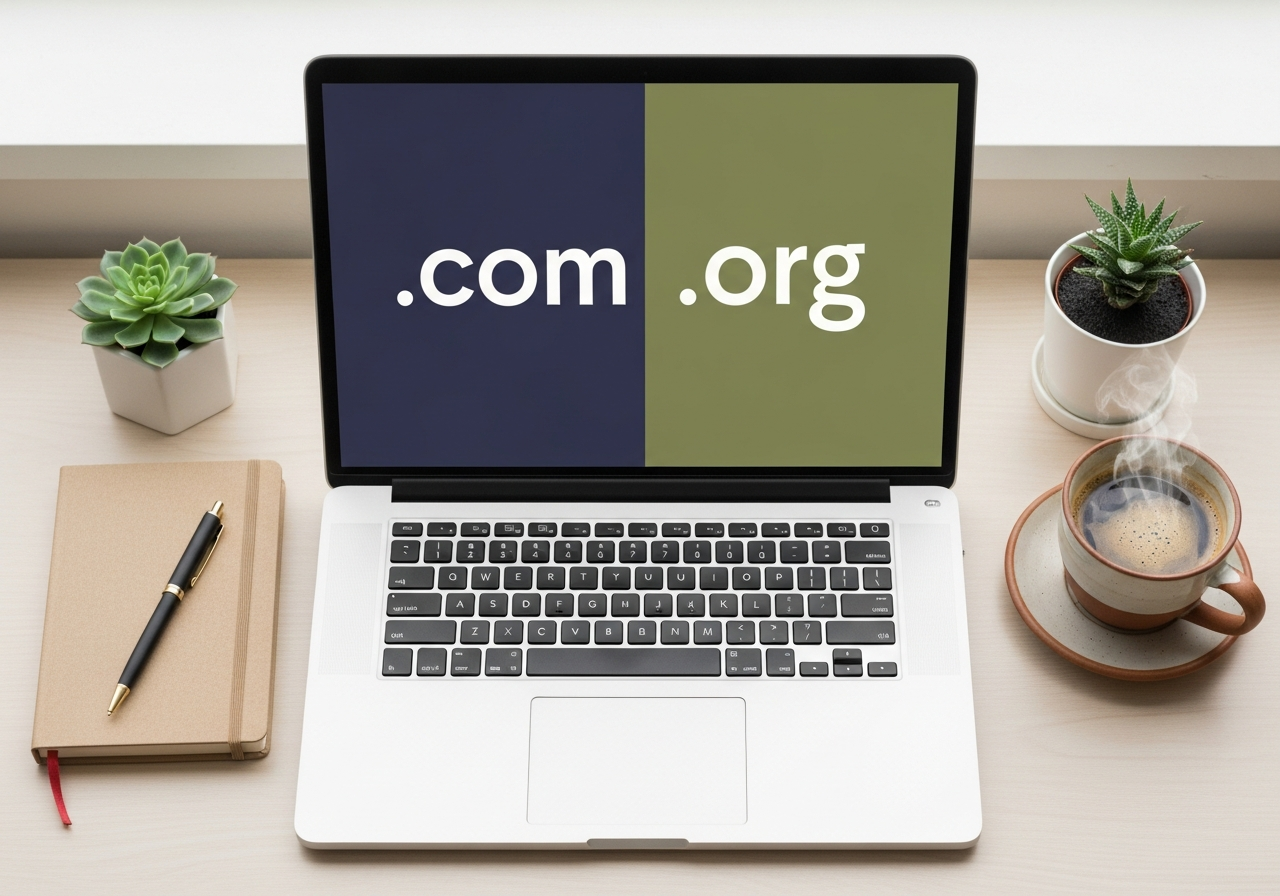
Want to create a blog for your notes, a portfolio for your class projects, or a website for a project? You've probably heard of WordPress. It's an incredibly popular tool that powers over 40% of all websites in the world.
The problem comes when you search on Google and find two options: WordPress.com and WordPress.org. They seem the same, but they're not. And choosing the wrong one can give you more than a few headaches.
Don't worry, you don't need to read a thousand technical manuals. Here, we'll explain the differences clearly and directly so you can choose the best option for you, without any complications.
WordPress.com: The Easy Way (With Limits)
Imagine WordPress.com is like renting a furnished apartment. You arrive, drop off your stuff, and you can live there right away. The landlord takes care of repairs, security, and general maintenance. It's convenient, fast, and you don't have to worry about anything technical.
WordPress.com is a service that uses the WordPress software and gives it to you all ready to go. You sign up, choose a name, and in five minutes, you have your website up and running.
Pros of WordPress.com
- Super easy to start: You don't need to know anything about hosting or servers. Just create an account and you're good to go.
- Zero maintenance: The WordPress.com team handles updates, backups, and security. You just focus on creating content.
- Has a free plan: Ideal if you just want to try it out, have a simple personal blog, or for a class project that doesn't need a lot of bells and whistles.
Cons of WordPress.com
- Less freedom: On the free and cheap plans, you can't install the plugins or themes you want. You're limited to the ones they offer.
- Your domain isn't really "yours": On the free plan, your address will be something like
yourproject.wordpress.com. It doesn't look as professional. - Ads and branding: WordPress.com can place its own ads on your site (on the free plan) and you'll always see their logo.
- Limited monetization: If you want to make money with your site, there are significant restrictions.

In short: WordPress.com is perfect if you're looking for speed and simplicity above all else. A blog for sharing notes or a travel journal are perfect use cases.
WordPress.org: Freedom and Total Control
Continuing the analogy, WordPress.org is like buying a plot of land and building your own house. You choose the blueprints, the color of the walls, and even the type of faucet in the bathroom. You have absolute freedom, but you're also responsible for making sure everything works.
WordPress.org is the open-source software you can download for free. For it to work, you need two things: a domain (your website's address, e.g., myportfolio.com) and hosting (the "land" where your website's files are stored).
Pros of WordPress.org
- Absolute control: It's 100% your website. You can install any of the thousands of plugins and themes that exist to add any functionality you can imagine.
- Fully customizable: The design and features are only limited by your imagination (or by the plugins you can find).
- Unlimited monetization: You can place any ads you want, create an online store, offer services... whatever you can think of.
- Professional look: You use your own domain from the start, which gives a much more serious and professional image.
Cons of WordPress.org
- You need to get hosting: This has a cost (although there are very affordable options for students).
- You're responsible: You handle updates, security, and backups. But note, most hosting providers today make it very easy with automatic tools.
- A small learning curve: It's not difficult, but it requires a little more time at the beginning to set everything up.
Having total control over your projects is great. And the same goes for your studies. Why waste hours creating flashcards by hand when you can automate it?
Smartests.app transforms your notes into multiple-choice tests in seconds. This way, you can test yourself and truly memorize what's important, dedicating your time to what matters: understanding the material.
Hosting for Students: Your Digital "Land" at a Good Price
If you decide on the freedom of WordPress.org, you'll need hosting. Don't be scared, it's not expensive or complicated. Think of hosting as renting a small space on the internet where your website will live.
To start, you don't need anything super powerful. There are companies with plans that are perfect for students:
- Hostinger: It's one of the most affordable and reliable options to get started. Their basic plans are more than enough for a portfolio or a personal blog, and their control panel is very intuitive.
- SiteGround: It's known for its excellent speed and technical support. They often have student discounts, so it's worth taking a look. It's a bit more expensive, but the quality is top-notch.
Both have "1-click" WordPress installers, so the technical part is minimal.
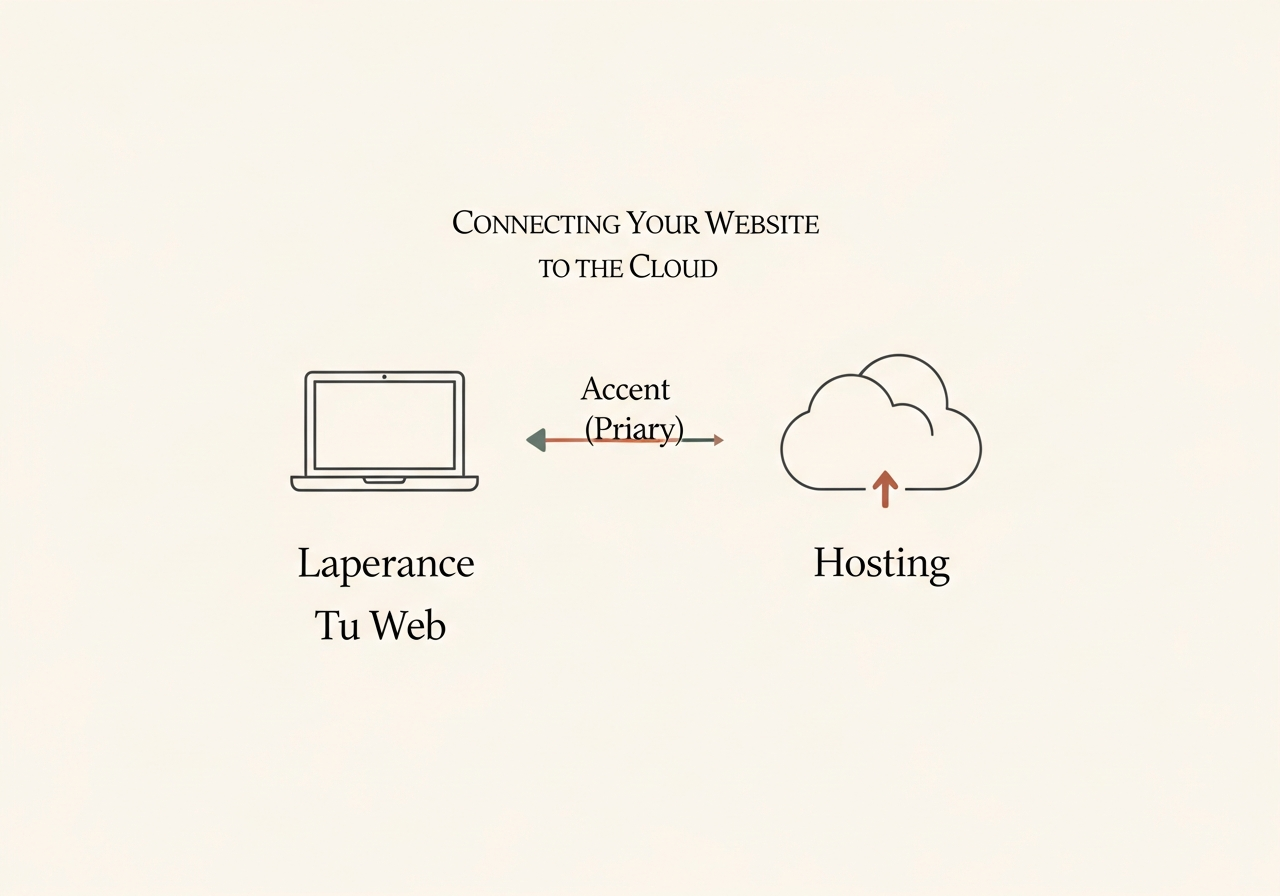
Quick Summary: .com or .org?
So you can see it at a glance:
-
WordPress.com (the "all-inclusive" service):
- Best for: Personal blogs, quick class projects, if you don't want to touch anything technical.
- Pros: Super easy, zero maintenance, free plan available.
- Cons: Less control, unprofessional domain (on the free plan), limitations on design and features.
-
WordPress.org (the "do-it-yourself" software):
- Best for: Professional portfolios, more serious websites, blogs you want to grow, if you're looking for total control.
- Pros: Absolute freedom, 100% customizable, professional look.
- Cons: You need to pay for hosting, you're responsible for maintenance, slight learning curve.
So, Which One Should I Choose?
The decision is yours, but here's a final recommendation:
- Choose WordPress.com if you just want a space to write without any hassle, for a one-off class project, and you don't mind the address being
yourname.wordpress.com. - Choose WordPress.org if you want to create a portfolio to showcase your work and look for internships, if you have a long-term project idea, or if you simply like having control and learning how things work. The small investment in hosting is worth it for the professionalism and freedom it gives you.
Making the right decision from the start will save you time and frustration. And speaking of saving time...
For your studies, the smart choice is Smartests.app. Stop wasting entire afternoons creating review questions. Upload your notes, and our AI instantly creates a multiple-choice test so you can practice, identify your weak spots, and solidify your knowledge for the exam.